April 12, 2026
What is an IPTV player? A complete Po Player guide for Apple devices
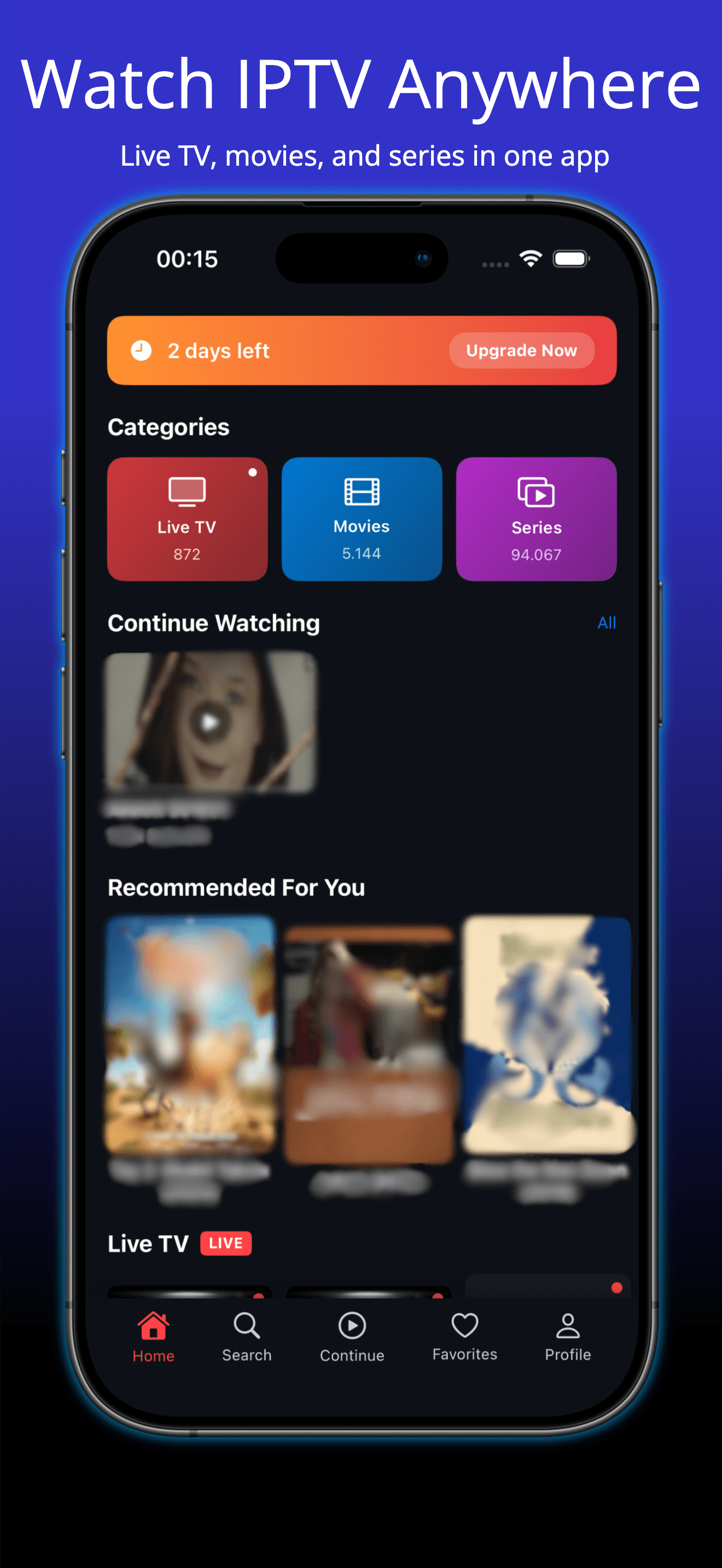
IPTV - Po Player is built for users who want to watch their own M3U playlists and Xtream streams on iPhone, iPad, and Mac with smooth playback and cross-device sync.
1. How to add M3U playlists
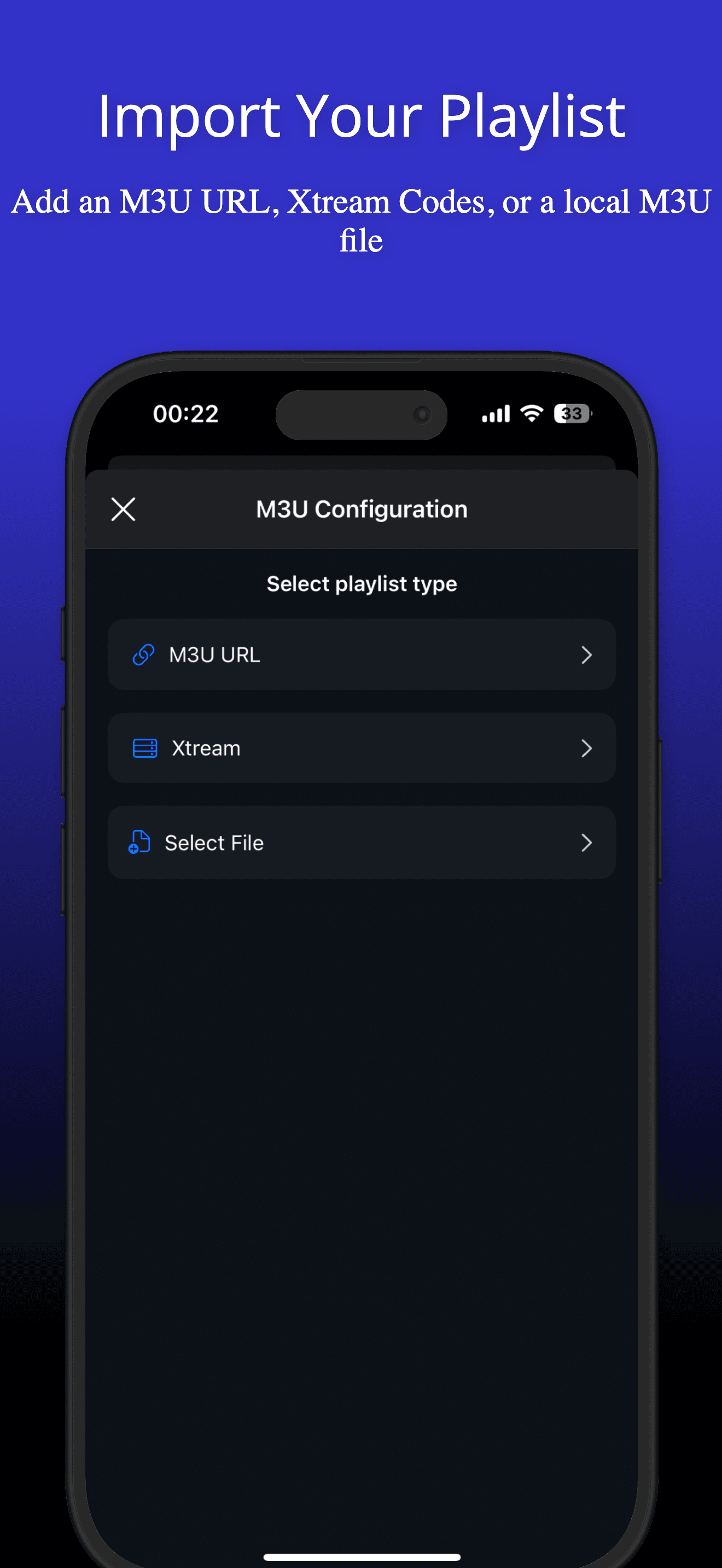
You can set up your IPTV content with three methods: M3U URL, Xtream login, or local file import. This gives you flexibility when managing playlists from different providers in one app.
2. Using Xtream Codes for IPTV setup
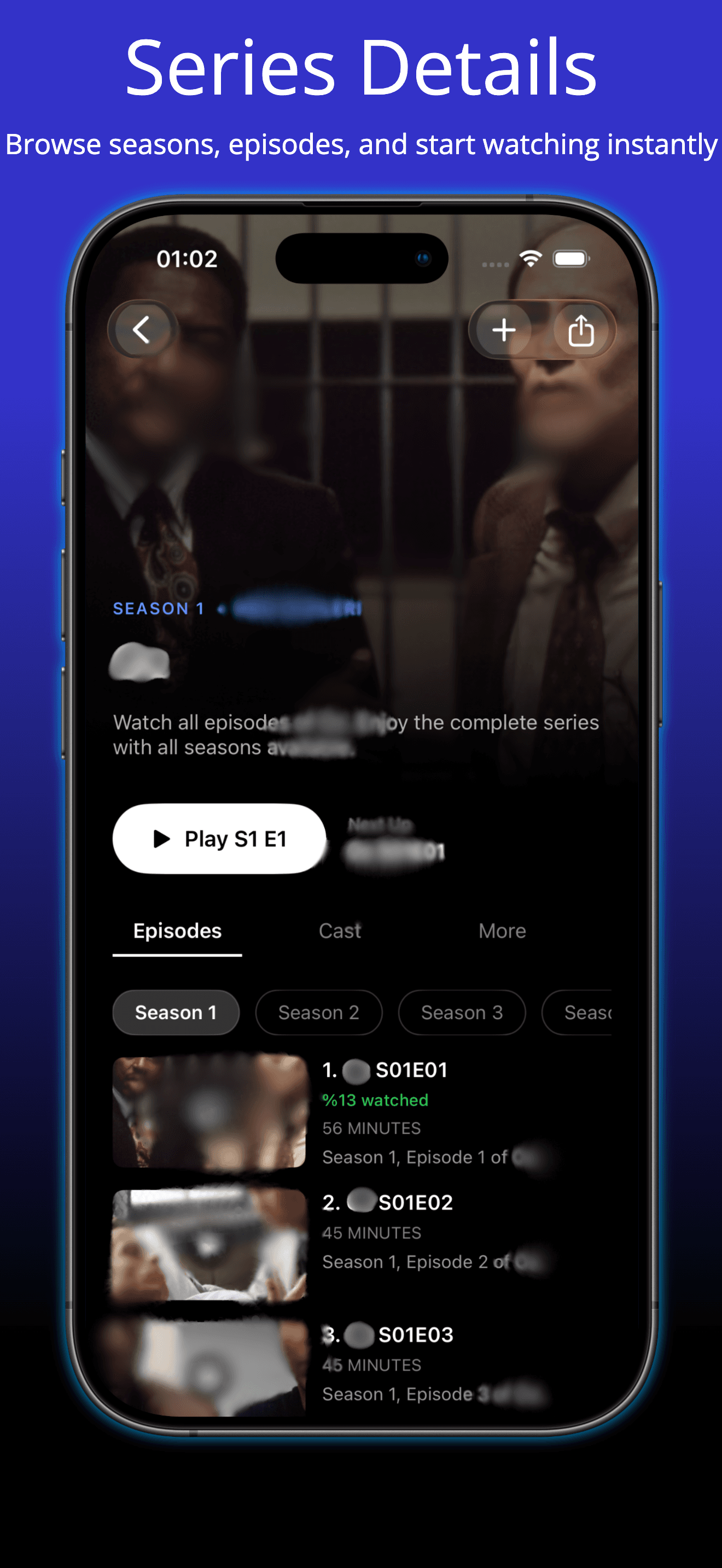
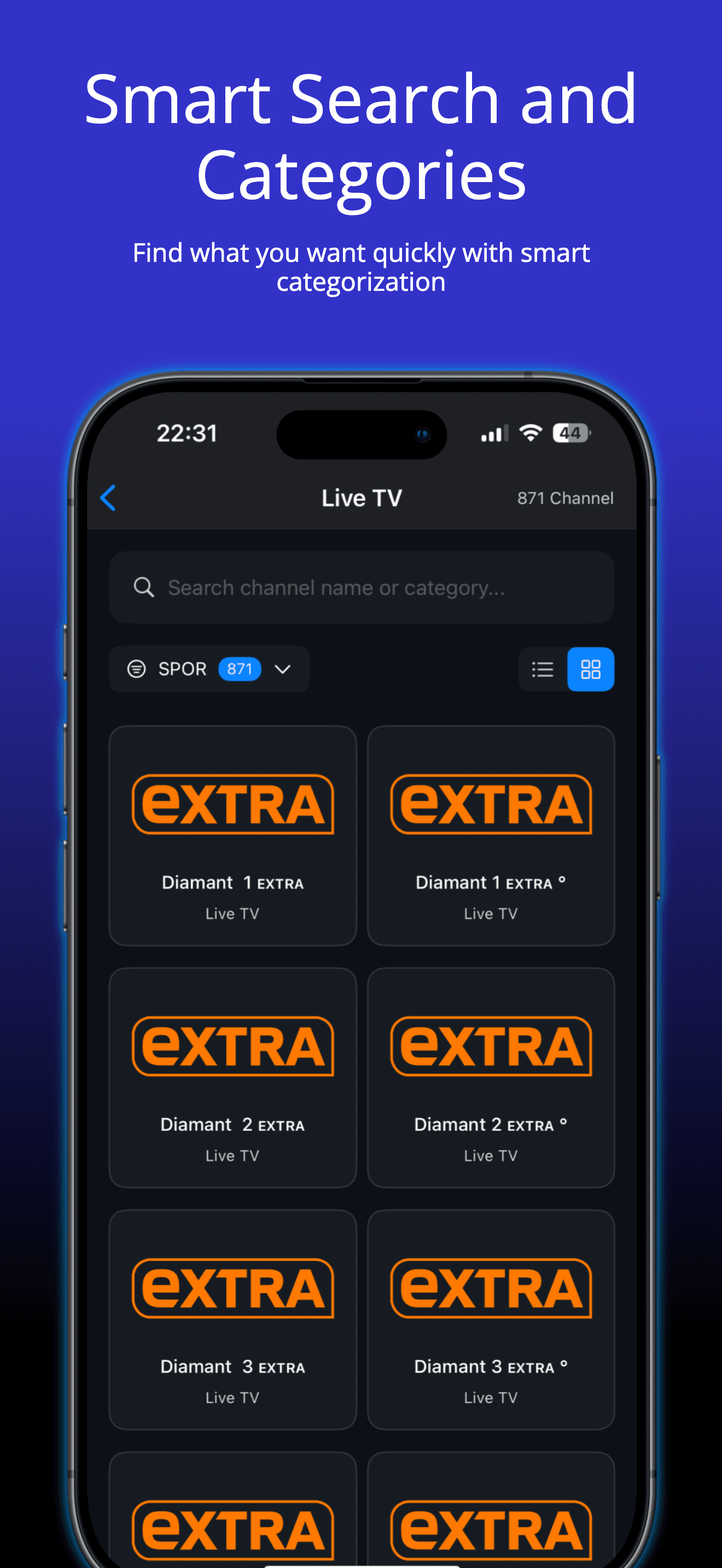
Xtream integration helps organize channels and VOD content in a cleaner structure. IPTV - Po Player also improves browsing speed for large libraries with fast filtering and responsive category navigation.
3. Continue watching across iPhone, iPad, and Mac
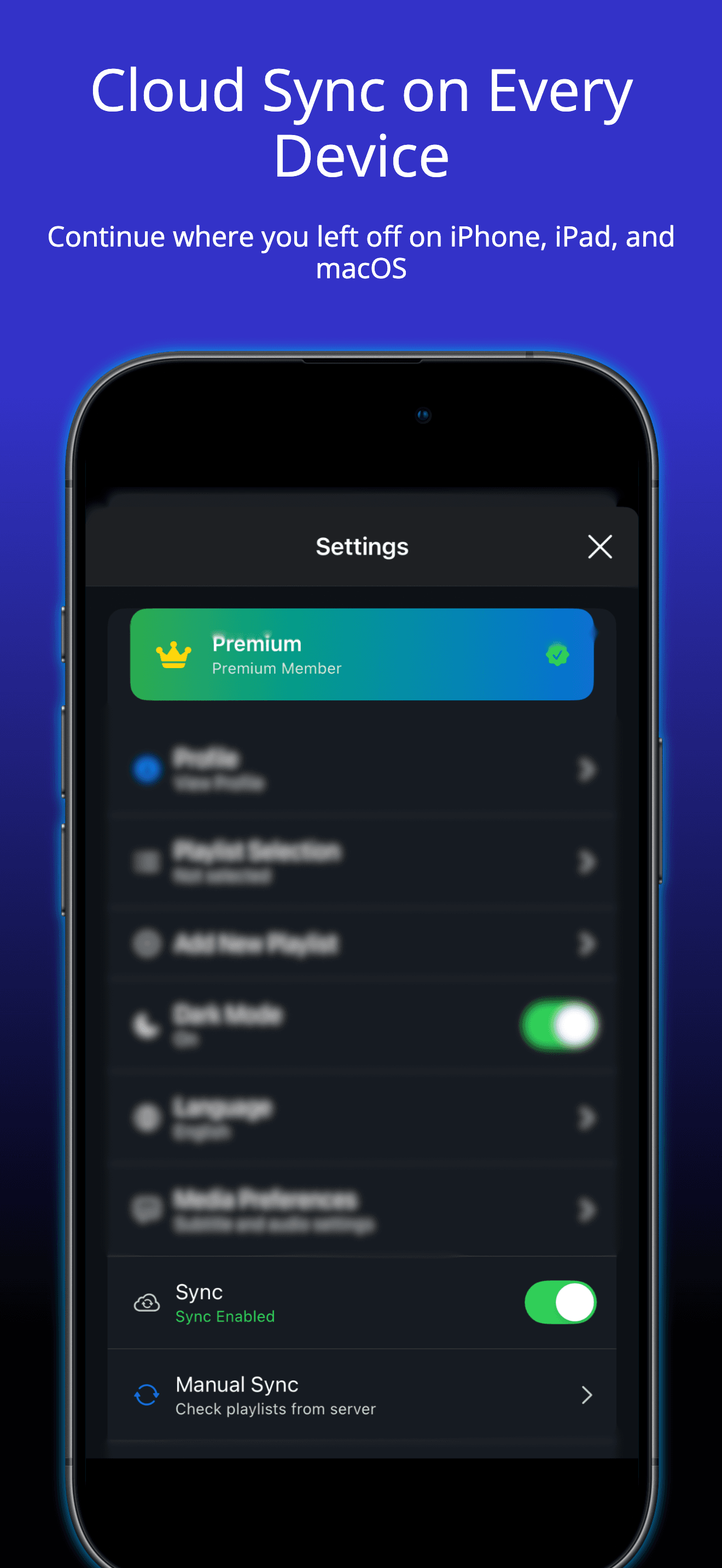
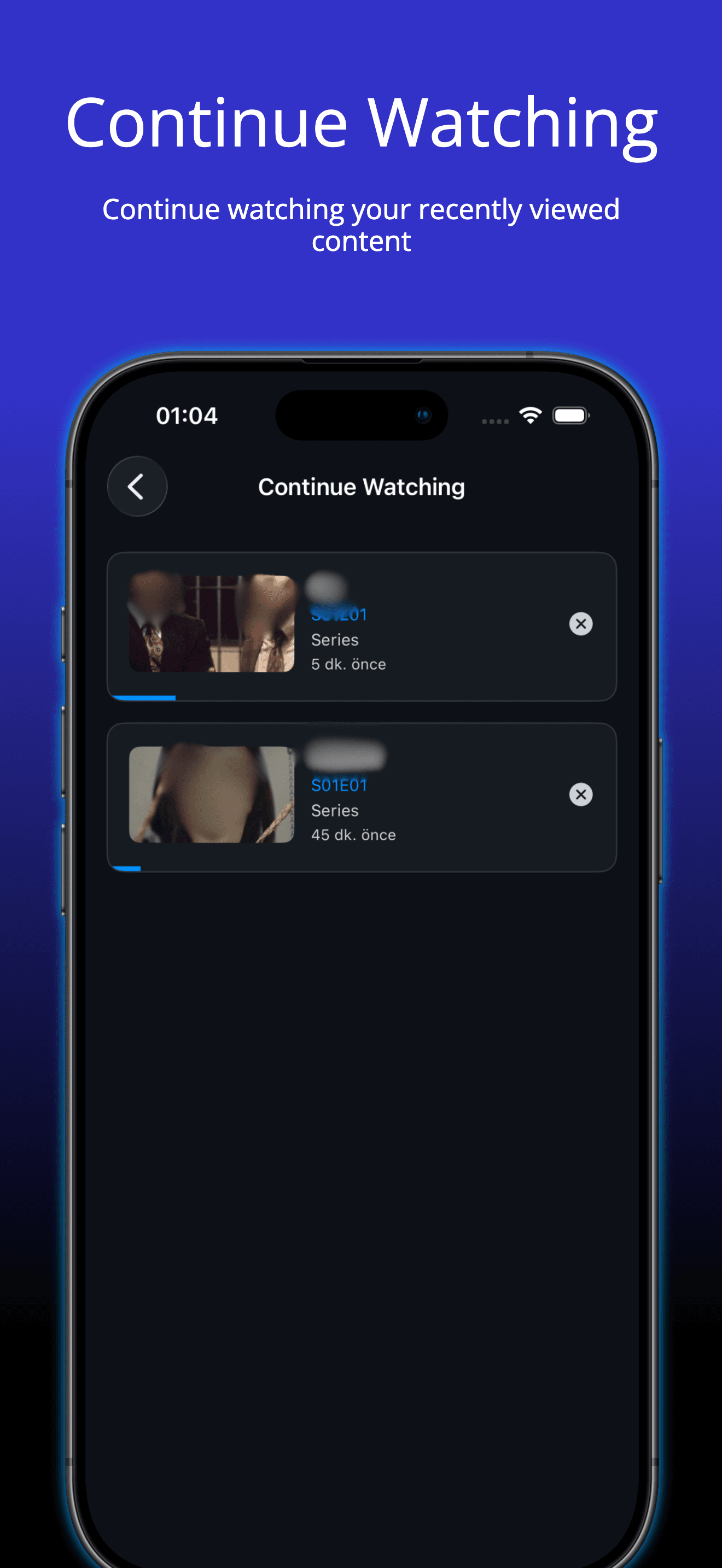
Cloud sync keeps favorites, playlist metadata, and watch progress aligned across your Apple devices. You can start on iPhone and continue instantly on iPad or Mac.
4. Smooth playback and practical daily use
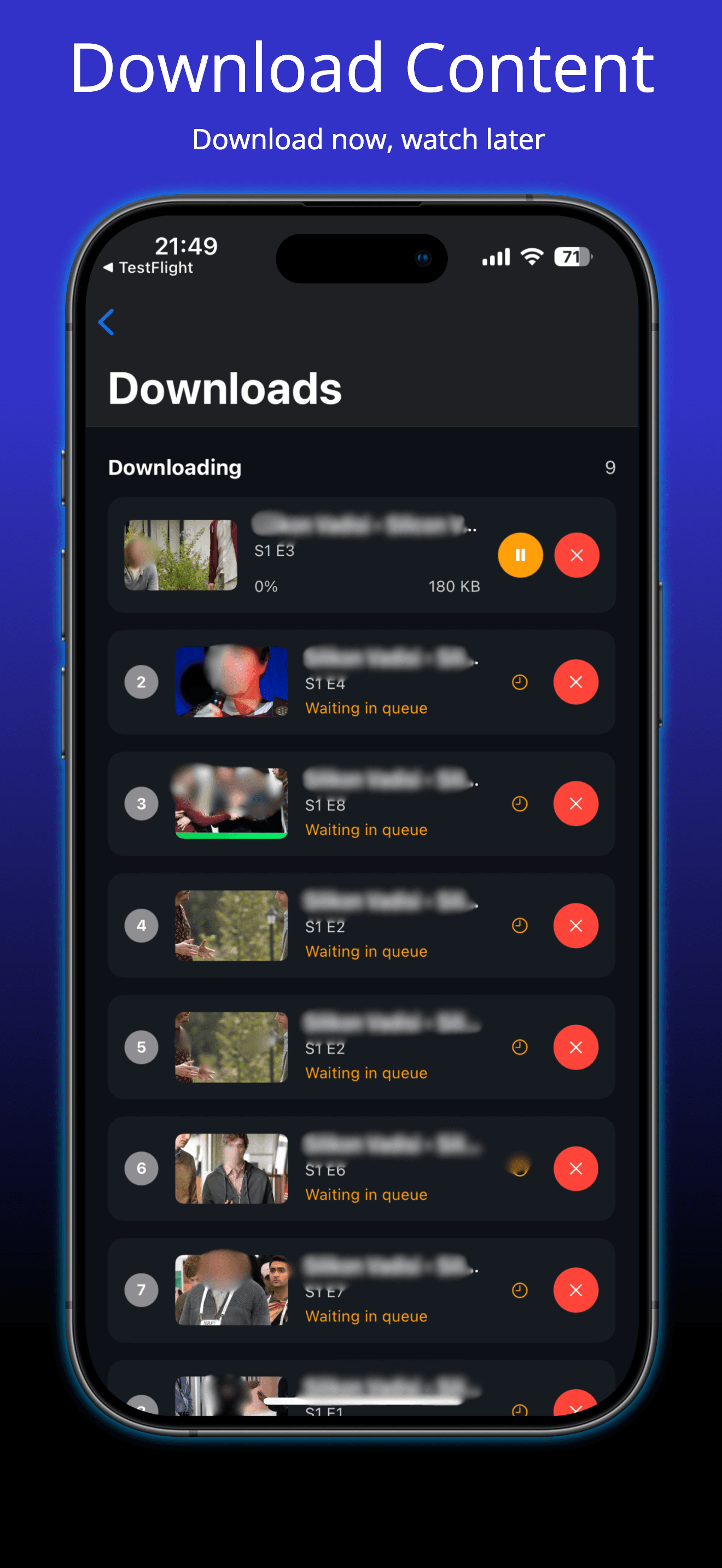
IPTV - Po Player focuses on stable media playback and fast startup performance. Smart search, category browsing, favorites, and recently watched make day-to-day IPTV usage much easier.
Android is coming very soon
IPTV - Po Player is currently available on iOS, iPadOS, and macOS. Android support is under active development.
Support: poplayertvsup@gmail.com